A calmer school year for busy parents
School notices, turned into a short to‑do list.
Forward the email. Photograph the flyer. Homeroom pulls out what to bring, pay, sign and attend — you approve every line, then hand it off to whoever's on pickup.
Built for the people who already have it handled — most days.

-
SIGN
Field trip permission slip
-
PAY
Book fair eWallet — $12
-
BRING
Sack lunch + water bottle
-
ATTEND
Early pickup — 1:15 pm
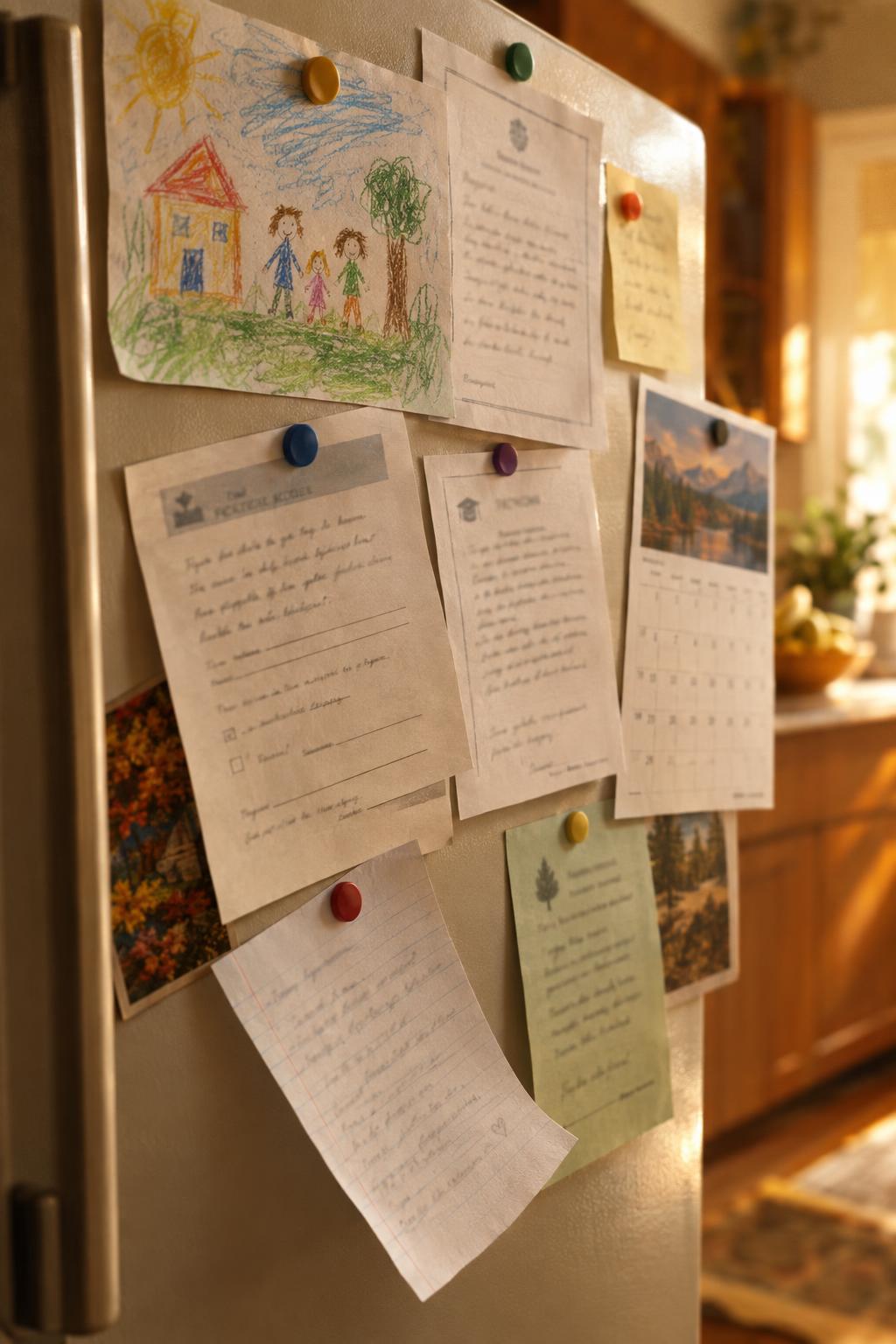
The Friday‑folder problem
The average school year sends a family hundreds of emails, flyers, app posts and crumpled paper notices. Somewhere in there is the slip that's due Tuesday, the $12 for the bus, and the day pickup moves to 1:15.
You're not disorganized — the system is. Homeroom reads the notices you hand it and keeps the answer in one place: a short approved list of what actually needs doing.
"Not another app to check. One list, that both households can see."
How it works
-
Hand it the notice
Forward the school email, drop in a screenshot, or photograph the crumpled flyer from the backpack. Homeroom only sees what you share — it never scans your inbox.
-
Approve the list
It pulls out the actions — who, what, when, how much — and flags anything ambiguous for a yes/no instead of guessing. You approve every line before it lands on the list.
-
Hand it off
Approved items become reminders, calendar entries and a one-tap caregiver brief — so Grandpa knows it's early pickup, and nobody digs through a thread at 4:58 pm.
Try it: notice in, list out
Interactive demo · sample data only · runs entirely in your browser
Pick a sample notice — or paste your own text — and watch it become an action list. Approve items, download a calendar entry, or copy the caregiver brief. In the planned app this will run on a trained extraction model; here it's simple pattern-matching so you can try the flow.
Try adding a date, a dollar amount, or a "please bring" line — or edit a child name to Maya or Leo.
Your list
Caregiver brief
Pickup isn't always you
Grandparents, sitters, the other household, the carpool parent — Homeroom writes each week's approved list as a short brief they'll actually read. What to pack, when to be where, what's already paid.
- One-tap share as a text — no app needed on their end
- Per-child details, so Leo's day isn't Maya's
- You choose what each caregiver sees


Built the way parents would build it
-
You share it, it reads it
No inbox connection required. Homeroom processes the notices you forward, photograph or paste — nothing else. Planned Gmail and school-portal integrations will be strictly opt-in.
-
You approve everything
Nothing reaches your calendar, your reminders or your caregiver until you've tapped approve. Ambiguous items come back as a question, not a guess.
-
Built for real families
Multiple kids, multiple schools, two households, rotating caregivers. Per-child lists and per-caregiver permissions are in the MVP, not the backlog.
The first class
We're building toward a small pilot this school year with elementary-school families — including solo parents, two-household schedules and the grandparents and sitters who hold it all together.
The plan: pilot families get the app free through the school year and a direct line to the people building it, with a target of roughly $5/month per family after the pilot — pricing is a hypothesis, not set yet.
Pilot signup isn't open yet — the plan is public, and this page will host signup when the app reaches TestFlight.